

Support
There are two ways to get help with Eon, depending on what you need. Before reaching out, check Troubleshooting for guidance on common issues.
Contact your company admin
When you expand Eon’s left sidebar, click the button labeled Get Help. In the dialog that opens, find Your company contact.
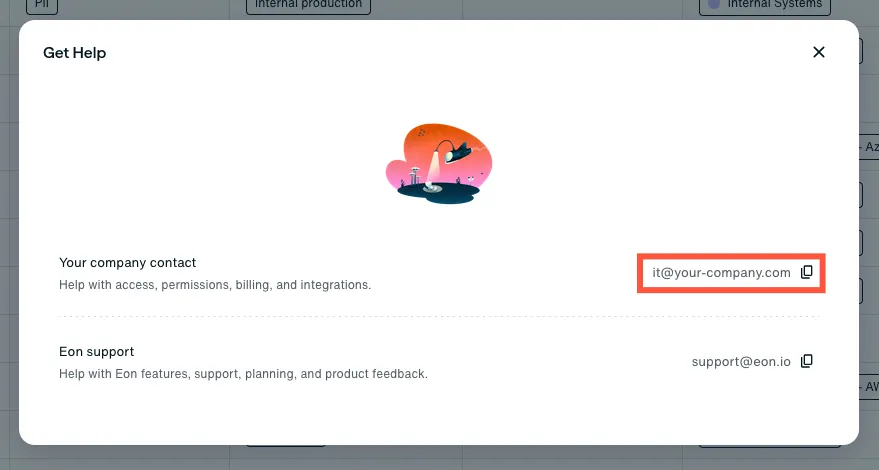
Your company contact can help with access, permissions, billing, and integrations. This section is displayed only if your organization has configured a company contact in Eon.
Contact Eon Support
Email support@eon.io for help with Eon features, onboarding, and product feedback.